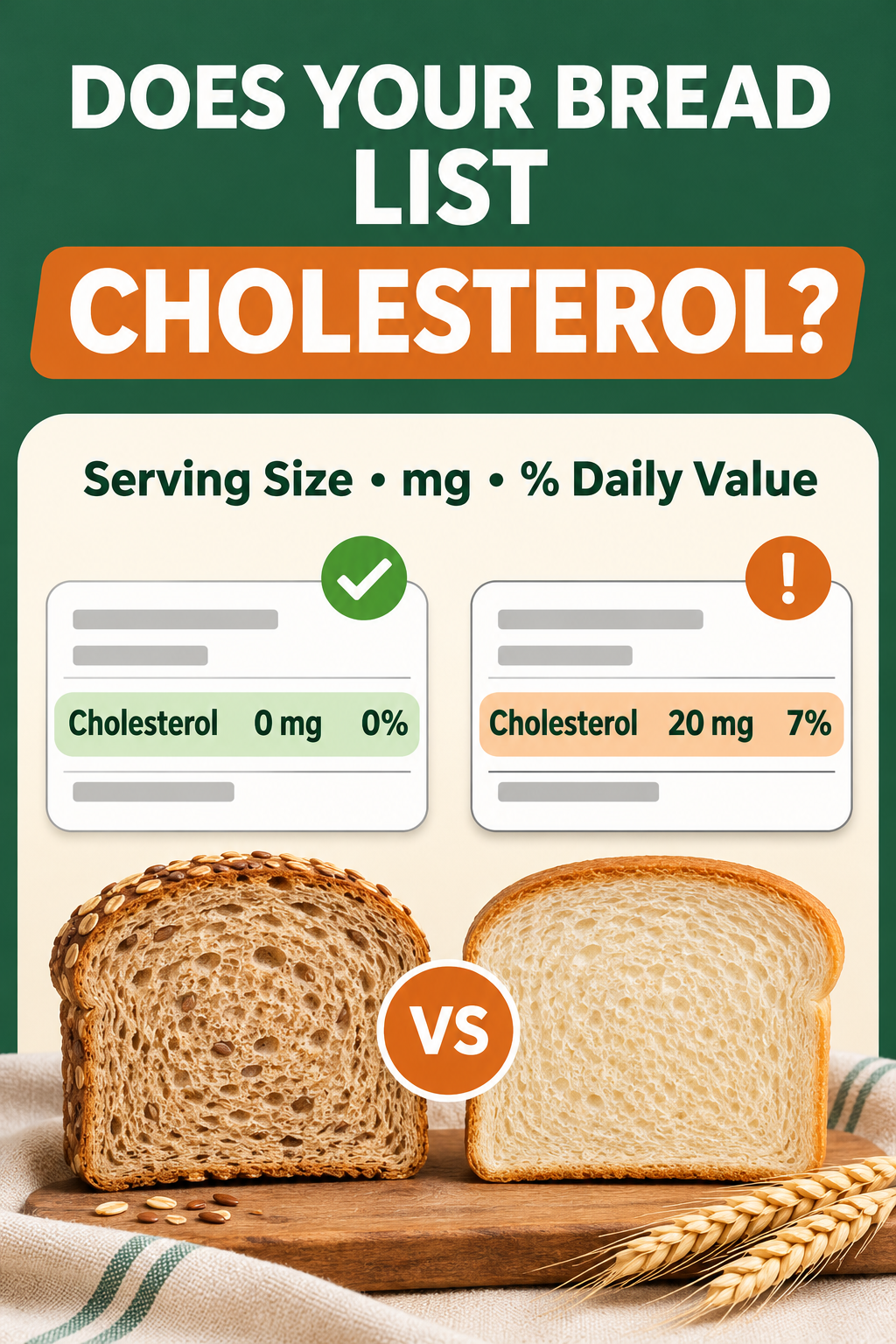
The short answer: cholesterol is not usually the number that separates one low-carb bread from another, but it is still worth checking. Start with the serving size, read the milligrams and % Daily Value on the same line, then compare products using the same number of slices. A label that shows 0 mg per serving and one that shows a small amount can both fit a low-carb eating pattern; the better choice depends on the whole label and your own nutrition plan.
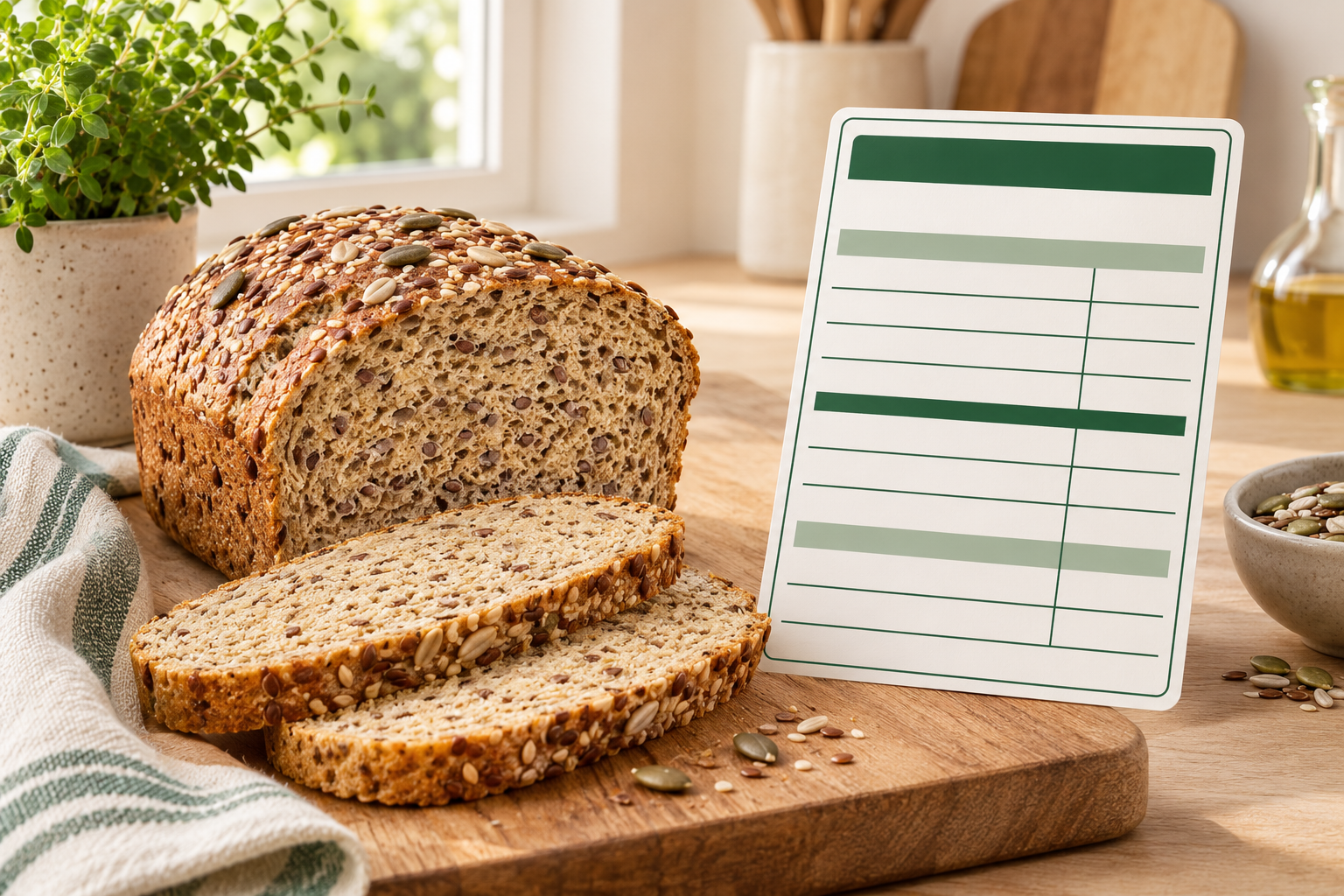
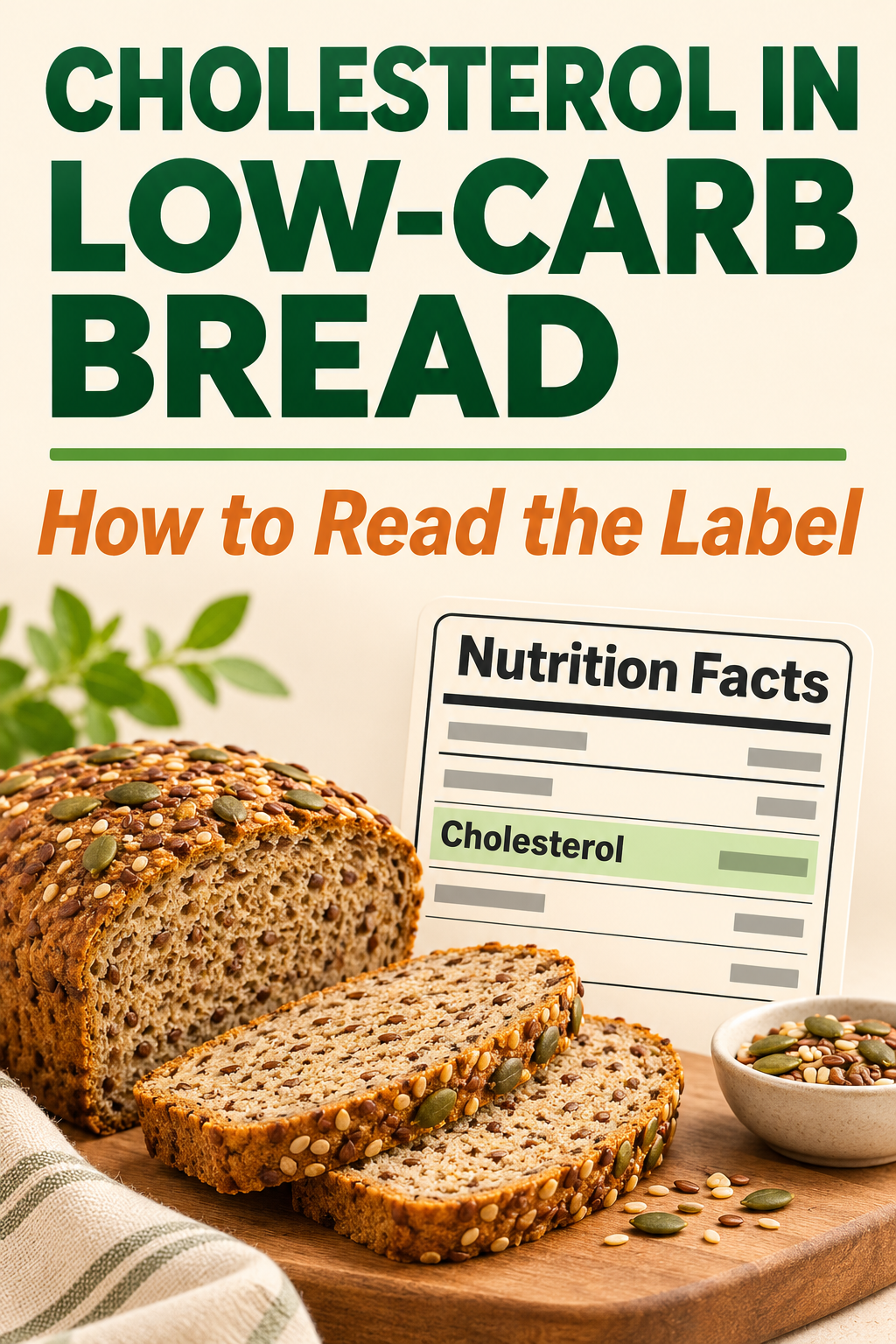
Low-carb bread shoppers naturally focus on total carbohydrate, fiber, and net carbs. That makes sense, but the Nutrition Facts panel contains other useful context. Cholesterol appears between trans fat and sodium on the U.S. label, and the amount is reported per serving. Reading that line correctly takes less than a minute once you know what to look for.
- Confirm whether one serving is one slice, two slices, or another amount.
- Read cholesterol in milligrams and the % Daily Value.
- Convert both breads to the same number of slices before comparing.
- Look at saturated fat, sodium, fiber, protein, and carbohydrates too.
What the cholesterol line actually tells you
The cholesterol line reports dietary cholesterol in one labeled serving. The U.S. Food and Drug Administration says the Nutrition Facts label shows both the amount in milligrams and the percentage of Daily Value. The current Daily Value for cholesterol is 300 mg. That reference value helps you understand how much one serving contributes to a full day; it is not a personalized target or a promise that a food is healthy.
For example, if a serving lists 15 mg of cholesterol, the math is 15 divided by 300, or 5% Daily Value. You usually do not need to calculate this yourself because the label prints the percentage. The FDA’s general guide treats 5% Daily Value or less as low and 20% or more as high for an individual nutrient. Use that guide as orientation, not as a reason to judge a loaf from one line alone.
It is also important to separate dietary cholesterol from blood cholesterol. The label describes what is in the food. It does not measure what is in your bloodstream or predict your response to the food. If a clinician has given you a specific cholesterol or saturated-fat plan, follow that individualized guidance.
Step 1: check serving size before comparing loaves
The most common comparison mistake is reading the milligrams without checking the serving. One brand may define a serving as one slice while another uses two. The FDA explains that serving sizes reflect amounts people typically consume; they are not recommendations for how much you should eat.
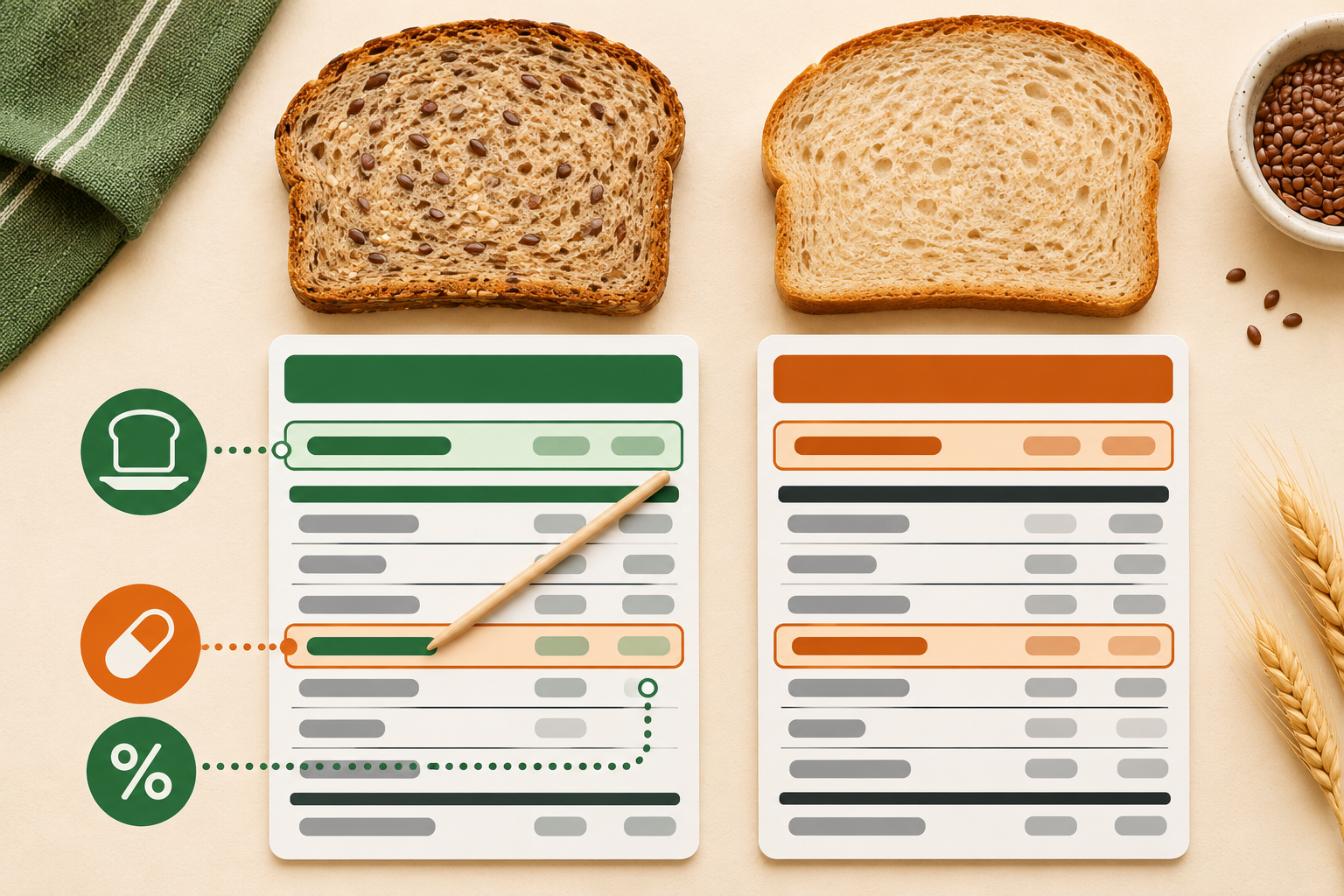
Suppose Bread A lists 0 mg of cholesterol per one-slice serving and Bread B lists 10 mg per two-slice serving. If you normally make a two-slice sandwich, compare two slices of each. Bread A remains 0 mg, while Bread B contributes 10 mg. If you eat only one slice of Bread B, its contribution is approximately half of the listed two-slice amount, although the printed label remains the authoritative declared value.
| What to compare | Why it matters |
|---|---|
| Serving size | All listed nutrients apply to that amount. |
| Cholesterol, mg | Shows the declared amount in one serving. |
| Cholesterol, %DV | Puts that serving against the 300 mg Daily Value. |
| Slices you will eat | Turns the label into a realistic meal comparison. |
Step 2: read the whole fat section
Cholesterol sits inside a larger story. Look at total fat, saturated fat, and trans fat before moving down the panel. Two breads can show the same cholesterol while differing in saturated fat, calories, sodium, or fiber. For a routine grocery decision, the whole pattern is more useful than treating the cholesterol number as a score.
A bread made without egg or dairy ingredients may list 0 mg. Another loaf might use egg, whey, cheese, butter, or other animal-derived ingredients and show a small amount. The ingredient list can help explain the label, but it cannot replace the declared nutrient amount. Ingredients appear by weight, not by cholesterol contribution, and recipes can change. Read the current package each time you buy.
Step 3: keep the low-carb priorities in view
Once you understand the cholesterol line, return to the qualities that make the bread useful for you. A practical comparison usually includes:
- Total carbohydrate: the label’s complete carbohydrate amount before any subtraction.
- Dietary fiber: useful for understanding the bread’s structure and for calculating net carbs when that is part of your plan.
- Sugar alcohols: present in some products, but not all, and not always subtracted the same way by every shopper.
- Protein: sometimes higher in breads built with wheat protein, seeds, or dairy-derived ingredients.
- Sodium: often worth comparing because bread is eaten frequently and serving sizes vary.
- Ingredients and allergens: especially wheat, egg, milk, soy, sesame, and nuts when relevant.
If you use net carbs, calculate them consistently. LessCarby’s guide to reading a Nutrition Facts label for net carbs explains why total carbohydrate is the starting point. The cholesterol line does not change that calculation.
What “0 mg cholesterol” does and does not mean
A printed zero is useful information, but it is not a complete verdict. Nutrition labels follow rounding rules, so zero does not always mean absolute laboratory zero. It means the product meets the conditions for declaring 0 mg at the labeled serving. Increasing the amount you eat can also change the practical contribution.
More importantly, cholesterol-free does not automatically mean low in saturated fat, low in sodium, high in fiber, or low in carbohydrates. A plant-based oil contains no dietary cholesterol, for example, but the bread still needs to be evaluated on its full label. Likewise, a loaf with a small cholesterol amount may offer a serving size, fiber level, texture, or allergen profile that works better for you.
A five-minute comparison in the grocery aisle
- Choose your real portion. Decide whether you are comparing one slice, two slices, or a roll.
- Normalize the serving. Multiply or divide the listed values so both products represent the same amount.
- Check cholesterol in mg and %DV. Note the difference without letting one line dominate the decision.
- Scan saturated fat and sodium. These numbers often vary more meaningfully between loaves.
- Confirm carbs, fiber, and protein. Make sure the bread still fits the reason you are buying low-carb bread.
- Read ingredients and allergens. Verify the current package rather than relying on an old online panel.
If two breads are otherwise similar, the lower cholesterol option can be a reasonable tiebreaker for someone monitoring dietary cholesterol. If the difference is tiny but one loaf has a much more suitable serving size, fiber profile, or allergen list, the broader label may matter more.
When to get personalized guidance
General label-reading advice cannot account for medications, cardiovascular disease, diabetes, familial hypercholesterolemia, allergies, or a clinician-prescribed eating plan. If one of those applies, bring the actual package or a clear photo of its current Nutrition Facts panel to your clinician or registered dietitian. That gives them more useful information than a marketing phrase from the front of the bag.
The LessCarby takeaway
Read cholesterol in context: serving size first, then milligrams and % Daily Value, followed by saturated fat, sodium, carbohydrates, fiber, protein, ingredients, and allergens. For most low-carb breads, cholesterol will be one small part of the decision rather than the deciding number. A consistent, same-portion comparison is what makes the label useful.
Sources
- U.S. Food and Drug Administration: Daily Value on the Nutrition and Supplement Facts Labels
- U.S. Food and Drug Administration: Serving Size on the Nutrition Facts Label
- U.S. Food and Drug Administration: Interactive Nutrition Facts Label — Cholesterol
Save This Post on Pinterest
Keep the label-reading steps handy for your next grocery trip.
Plan Your Week with Our Free Meal Planner
Choose seven days of meals, adjust portions, and download your shopping list. No email signup needed.
Open the Free Planner →
